
When I first opened my Etsy store, I thought a great design concept was all it took to make a sale. I spent hours building beautiful graphics, uploaded them to my print on demand partner and published the listings with absolute confidence.
Then the first batch of customer reviews came in, and my heart sank. “Blurry artwork” “pixelated edges” and “looks cheap up close” were the phrases staring back at me.
The harsh reality of print on demand is that an image that looks beautiful on your smartphone or laptop screen can fall apart completely when blown up onto a heavy cotton t-shirt or a fleece hoodie.
This exact frustration drove me to test every single scaling tool available, eventually leading me to look closely at the latest built-in enhancements provided by major platforms.
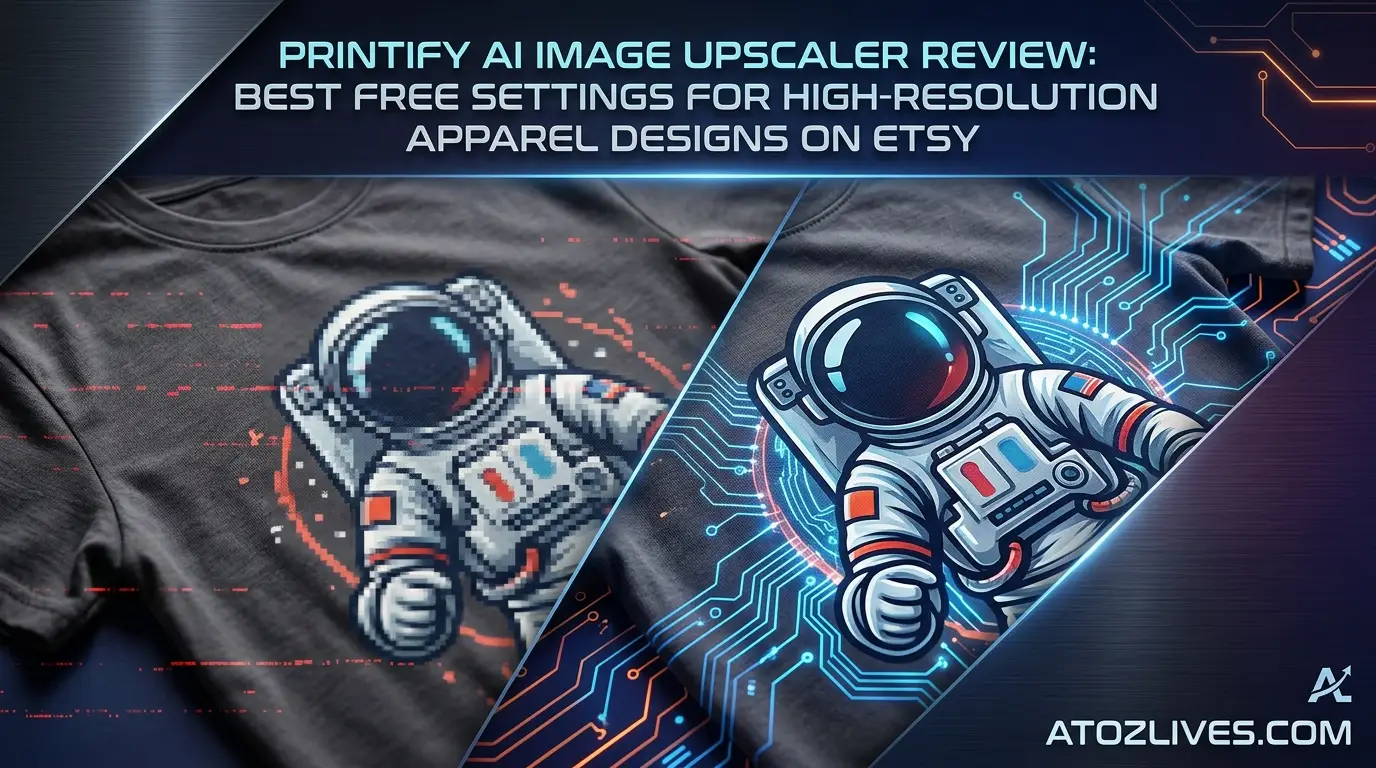
In this hands-on Printify AI Image Upscaler Review, I will pull back the curtain on how this integrated tool functions, share the best free settings for high-resolution apparel designs on Etsy and show you how to bypass blurry test prints forever.
Are You Ready To Get Paid To Review Apps On Your Phone Then Try It…
The Hidden Crisis of Low Resolution in Print on Demand
Every print on demand seller eventually faces the digital-to-physical divide. When you generate artwork using popular generative software, the default output size is typically around 1024 by 1024 pixels.
On a high-density mobile phone screen, this looks incredibly sharp because the pixels are tightly packed together.
However, commercial apparel printing requires a completely different level of pixel density to maintain crisp lines and smooth color gradients.
Understanding Dots Per Inch for Fabric
To get a perfect print on a t-shirt, your file generally needs a resolution of 300 Dots Per Inch, commonly known as DPI.
If you take a standard 1024-pixel graphic and stretch it across a standard fourteen-inch by sixteen-inch print area on a Gildan 5000 t-shirt, your DPI drops down into the double digits.
The printing machines end up trying to guess the missing visual data, resulting in jagged lines, muddy details, and disappointed buyers.
Why Traditional Resizing Fails
Before artificial intelligence became accessible, scaling an image meant using traditional interpolation methods like bilinear or bicubic resizing.
These legacy systems simply duplicated the existing pixels to make the file larger. The result was almost always a soft, fuzzy image that lacked any real definition.
Modern machine learning upscalers work differently by analyzing the structure of the image and intelligently creating brand-new pixels that mimic real-world textures, sharp edges, and fine details.
How to Start a Blog in 2026: A Step-by-Step Guide for Beginners
How the Printify AI Image Upscaler Works under the Hood
Printify integrated an artificial intelligence enhancement tool directly into their design creation interface to eliminate the need for complex external software.
This system uses trained neural networks to process your uploaded artwork files instantly as you build your products.
The Logic Behind Neural Upscaling
When you upload a low-resolution graphic into the product creator, the system identifies the file dimensions and analyzes the pixel density relative to the physical print zone of the selected garment.
Instead of just blowing up the canvas, the AI evaluates the contents of the file. It detects borders, identifies contrast shifts, and separates foreground elements from backgrounds.
Once the analysis is complete, the algorithm adds realistic texture and clean contours to fill the gaps.
For creators who sell intricate watercolor illustrations or highly detailed vintage-style typography on Etsy, this tool attempts to preserve the unique character of the original art while expanding its physical footprint.
Formats and File Size Compatibility
The built-in tool handles the standard image formats used by online creators, including JPEG, PNG and WebP files.
It can process large base files up to 100 megabytes in size which gives you plenty of headroom if you are uploading complex digital paintings or high-end photographic compositions.
Are You Excited To Read about AI Then Click Here…
Best Free Settings for High-Resolution Apparel Designs on Etsy
Achieving pristine print quality does not require an expensive subscription to premium graphic suites. By leveraging the built-in utilities effectively, you can maximize your results without spending a dime.
Here is the exact blueprint for configuring your files and using the interface settings to guarantee green-light print quality every single time.
OPTIMAL APPAREL UPSCALE WORKFLOW
Original Graphic – 1024 x 1024 px (Low DPI Warning)
Printify Creator – Apply 2x / 4x Neural Upscale
Quality Check – Monitor turns GREEN (300 DPI Target)
Final Output – Target Grid: 4500 x 5400 px
Aiming for the 4500 by 5400 Pixel Standard
The absolute sweet spot for the vast majority of adult apparel items on Etsy is a canvas size of 4500 by 5400 pixels. This aspect ratio perfectly fits the primary printing zones for Bella+Canvas 3001 t-shirts, Gildan sweatshirts and custom hoodies.
When you trigger the upscale action inside the design builder, your ultimate goal is to push your total resolution into this neighborhood.
-
For 1K Input Files: If your starting design is roughly 1000 pixels wide, apply the maximum 4x scaling multiplier to lift the resolution to 4000 pixels or higher.
-
For 2K Input Files: If you are starting with a cleaner 2000-pixel graphic, a standard 2x boost will easily push you past the safety threshold.
Want To Get Online Cash…
Reading the Quality Meter Cues
Printify features a dynamic quality indicator that updates in real time as you resize your artwork on the virtual garment mockup. Pay close attention to this indicator during your setup process.
-
Red Signal: The resolution is dangerously low. If you publish the listing now, your Etsy customers will receive blurry, pixelated merchandise.
-
Yellow Signal: The quality is average. The print might pass on smaller items like tote bags, but it will look soft on large hoodies or sweatshirts.
-
Green Signal: The resolution is optimal. This is your green light, indicating that the file contains enough pixel data to render razor-sharp lines on fabric.
The 100 Percent Zoom Inspection Trick
Never rely solely on a tiny thumbnail preview when preparing items for your boutique. Once the software processes your design, use your web browser or layout editor to inspect the artwork at a full one hundred percent magnification level.
Scan the entire perimeter of the graphic to check for artificial smudging, weird edge distortions, or loss of text clarity. If the edges look clean at full size, they will look great when stamped onto a cotton shirt.
Performance Comparison: Different Design Styles Examined
An upscaling engine can perform flawlessly on a simple cartoon graphic but fail miserably on a complex photographic print.
To give you an authentic look at what to expect, let us break down how this technology handles the three most common design categories found on Etsy.
Typography and Crisp Vectors
Text-based designs are the bread and butter of the apparel marketplace. Think funny quotes, bridal party shirts, and minimalist phrases.
The AI upscaler handles typography exceptionally well. Because text relies on high-contrast edges and solid color fills, the neural network easily maps out the borders of each letter.
It sharpens the curves and eliminates the fuzzy gray artifact blocks that usually cluster around text blocks when they are stretched manually. The final printed phrases look sharp, clean, and professional.
Are You Using Facebook, Twitter and YouTube (Get Paid To Use)
Detailed Photographic Layouts
If your store features complex collage patterns, vintage oil painting reproductions, or landscape photography, the upscaler faces a much tougher challenge.
Instead of simple lines, it must interpret skin textures, lighting gradients and intricate background details. The tool does a fine job of preventing heavy pixelation but it can sometimes apply a slightly smooth, almost painted texture to fine details when forcing a low-res photo into a massive print zone.
For photo-heavy items, always try to upload the highest possible baseline resolution before using the tool.
Intricate AI-Generated Art
AI art often contains hyper-detailed textures and fine linework that can easily turn into a muddy mess during production. When passed through the system, the tool works hard to maintain the artistic nuance of the original generation.
Fine strands of hair, complex cosmic backgrounds and detailed fantasy armor elements are expanded intelligently.
However, it is vital to check the final output for any odd repeating patterns or synthetic artifacts that machine learning algorithms sometimes introduce when creating details from scratch.
Pros and Cons of Using Printify’s Native Upscaling Tool
To build a reliable print on demand business, you need to understand both the strengths and the limitations of the workflow shortcuts you choose to implement.
Try it to improve gum health and prevents bleeding.
The Major Advantages
The biggest selling point of this native feature is pure convenience. There is no software to download, no installation process to manage and no need to jump between multiple browser tabs while working.
It streamlines your workflow beautifully. If you are uploading dozens of design variations daily to catch seasonal trends on Etsy, handling the upscale process directly inside the product creation screen saves a massive amount of development time.
Furthermore, the base level functions are completely free, allowing new sellers to keep their operational overhead at absolute zero.
The Known Disadvantages
While the tool is incredibly user-friendly, it lacks the advanced customization sliders found in dedicated, standalone desktop scaling applications.
You cannot manually adjust the exact level of noise reduction, face refinement strength, or edge sharpening. The AI makes all the decisions behind the scenes based on its default algorithms.
Additionally, if you need to perform advanced batch processing on hundreds of files simultaneously before ever uploading them to your product catalog, doing them one by one inside the mockup generator can eventually become a tedious bottleneck.
Pro Tips to Maximize Print Quality on Etsy Apparel
Using the upscaler is only one piece of the puzzle. To truly stand out in the crowded Etsy marketplace and maintain a flawless five-star review average, consider implementing these production strategies.
To reduce mental stress and relief from anxiety , you can try it.
Work on a Transparent Canvas
Always design your apparel graphics on a transparent background unless the background itself is an intentional part of the artwork.
When an upscaling engine processes an image with a solid white or black block background, it spends precious computational energy trying to smooth out that background space.
Transparent PNG files allow the system to focus entirely on sharpening the edges of the core graphic elements.
Pre-Calibrate Your Colors for Fabric Printing
Commercial apparel printers utilize CMYK color profiles, whereas your computer monitor and design programs display artwork using the RGB spectrum.
Some ultra-bright neon shades that look electric on a backlit display can appear muted when transferred to physical fabric. Before uploading your artwork, try to preview your designs under a CMYK color proofing setting.
This ensures that the final product your customer unboxes matches the expectation set by your digital store mockups.
LeanBiome controls your appetite and reduces fat formation.It burns fat naturally in the body and aids in weight loss.
Step by Step Guide to Preparing High Resolution Designs
Let us walk through the exact, step by step process of taking a low-resolution graphic and transforming it into a premium, market-ready clothing item.
The Operational Workflow
Open the product creation interface for your chosen apparel item. Drag and drop your baseline design file directly onto the virtual garment canvas layout area.
Look immediately at the side panel to see the initial resolution status. If you see a low DPI warning or a red alert indicator, your design needs immediate scaling.
Click on the built-in enhancement tool icon within the editing panel. Choose the appropriate scaling multiplier based on your file size to trigger the neural network processing.
Wait a few moments for the system to process the file. Confirm that the quality indicator color has shifted to a solid green color, confirming optimal print readiness.
FAQs
1. Does using the built-in AI upscaler cost any extra money on my account?
No, the fundamental image upscaling features built into the native design creator interface are completely free to use for all registered accounts when building products.
2. What is the minimum DPI needed to sell apparel safely on Etsy?
You should always aim for a minimum of 150 DPI for large prints but hitting the 300 DPI mark is the absolute gold standard for ensuring crystal-clear text and sharp lines on clothing.
3. Can I upscale a JPEG file or should I only upload transparent PNG files?
You can upscale both file formats easily but using transparent PNG files is highly recommended for apparel because it prevents ugly background blocks from printing onto the garments.
4. Will the upscaler fix a design that is already blurry or out of focus?
Artificial intelligence enhancement tools are designed to enlarge clear images while preserving details but they cannot magically repair a file that is severely out of focus or heavily distorted from the start.
5. How long does it typically take for the system to process an uploaded image?
The processing sequence is extremely fast, usually taking anywhere from five to fifteen seconds depending on the complexity of the design and your internet connection speed.
6. Can I use this tool to upscale graphics in bulk before creating my products?
The native tool is designed to process images individually inside the product creator window, so if you need massive batch processing, external tools might be necessary.
7. Why does my design look brighter on my computer screen than on the printed shirt?
Computer monitors emit light using the RGB color profile, while textile printers use CMYK ink which naturally results in a slightly softer, more matte appearance on physical fabric.
8. What happens if I ignore the low resolution warning and publish the item anyway?
Your item will print exactly as uploaded, meaning your Etsy customers will likely receive pixelated, fuzzy graphics which frequently leads to bad reviews and refund requests.
9. Does the upscaler change the actual colors of my original artwork file?
The algorithm focuses entirely on expanding resolution, sharpening borders and reconstructing fine textures without altering your original color balances or color selections.
10. Is the 4500 by 5400 pixel canvas size required for every single clothing item?
It is not strictly mandatory for every single item, but it serves as the ultimate universal layout standard that comfortably covers t-shirts, sweatshirts and hoodies without stretching.
“Live Chat Jobs – You have to try this one”
Ready to Begin?
➜ Click Here to explore top-rated affiliate programs on ClickBank!
➜ Reach Our Free Offers: “Come Here To Earn Money By Your Mobile Easily in 2025.”
Want To Read More Then Click Here…
If You Are Interested In Health And Fitness Articles Then Click Here.
If You Are Interested In Indian Share Market Articles Then Click Here.
Thanks To Visit Our Website-We Will Wait For You Come Again Soon…